TallyMint Web: plans, pricing, signup, and your data
The long answers about TallyMint Web: what the plans cost, how signing up works, what your subscription includes, what happens to your data, and how the browser app compares to the Windows app. The short version, and the app itself, are on the TallyMint Web page.
How to sign up, step by step
There is no shopping cart on this website for the web app. Creating your account starts your 7-day free trial immediately, with full access and no card required. A plan only comes into it if you want to keep going past 7 days or connect more than 3 accounts.
- Create your account. Go to app.tallymint.app and sign up with your email address or your Google account. This part is free and takes about a minute. No card, no bank details, nothing to configure. Your 7-day trial starts right away.
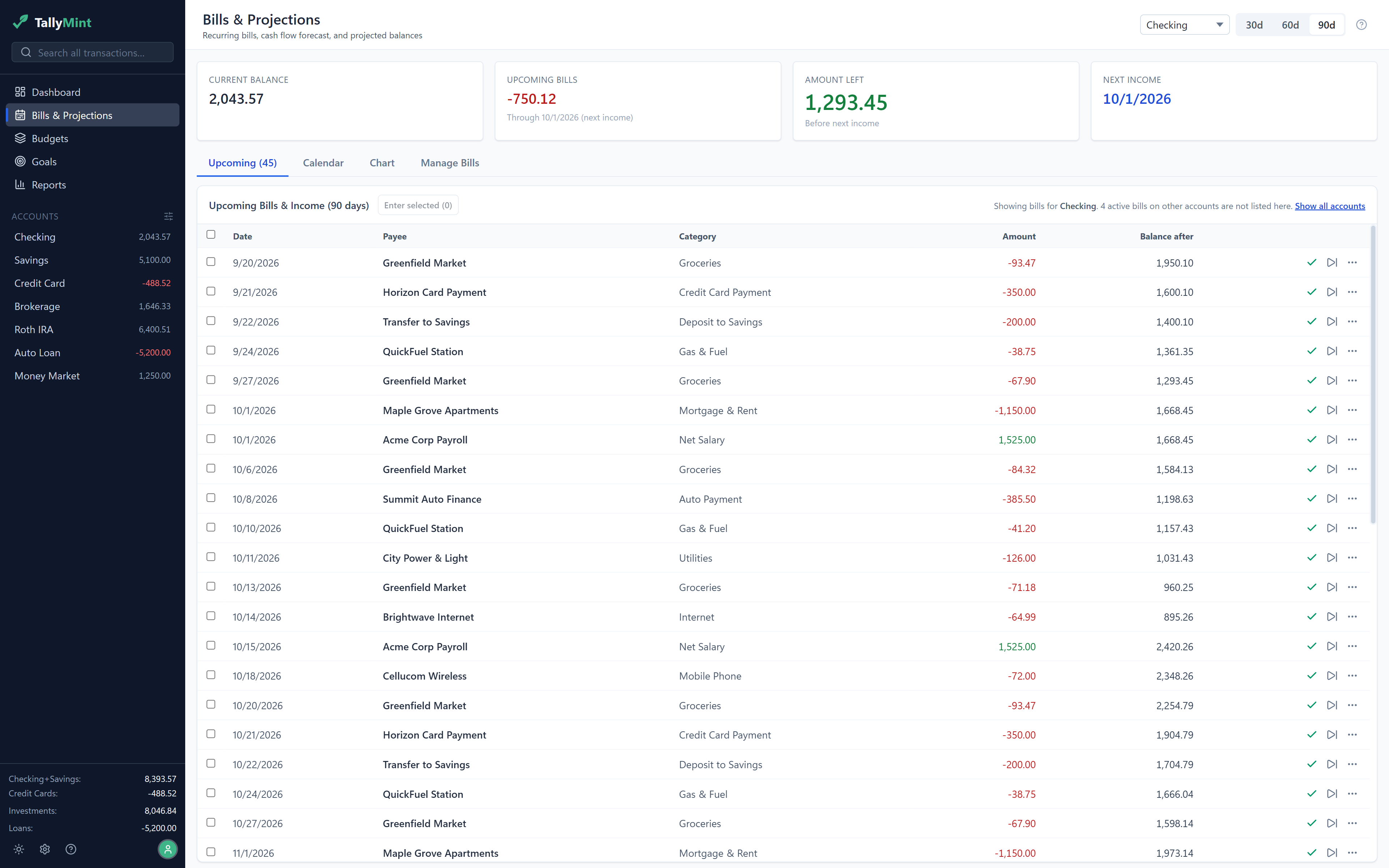
- Connect your banks. Go to Bank Connections and link an institution. You choose exactly which accounts to share, TallyMint creates matching accounts for you with the right opening balance, and your transactions start arriving. The trial covers up to 3 connected accounts. Recurring bills get detected from your history, which fills in your cash flow forecast fast.
- Or bring your history with you. Coming from Quicken or another desktop app? Import a QIF, OFX, or CSV file instead, and your accounts, transactions, categories, splits, and transfers come across in one pass. You can do both: import your history, then connect the bank for everything going forward.
- Choose a plan when you are ready. Use the Choose a plan button to pick Web Standard or Web Plus, monthly or yearly, whenever you want to continue past the trial or connect more than 3 accounts. Checkout runs through Dodo Payments, our payment processor, and a card is only needed at this step.
Plans and pricing
Every plan has every feature. The only thing that changes between them is how many bank accounts you connect.
| Web Standard | Web Plus | |
|---|---|---|
| Monthly | $12.99 | $17.99 |
| Yearly | $99.99 (about $8.33 a month) | $139.99 (about $11.67 a month) |
| Connected accounts | Up to 5 | Up to 14 |
| Extra accounts | $0.99/mo or $11.88/yr each | $0.99/mo or $11.88/yr each |
| Features | All of them | All of them |
| Free trial | 7 days, no card, up to 3 accounts | 7 days, no card, up to 3 accounts |
Paying yearly is meaningfully cheaper per month, and you can switch between monthly and yearly, or between Standard and Plus, from Settings whenever you like. Upgrades take effect immediately and are prorated; downgrades wait until your next renewal so you never lose time you already paid for. Accounts you only track by hand, without a bank connection, do not count toward the limit and never cost extra.
What your subscription includes
Everything the hosted version needs in order to just work, with nothing left for you to go and arrange:
Your bank connections
No aggregator subscription to buy, no token to generate, no key to paste. Connect an institution and you are done.
Investment prices
End-of-day quotes for your holdings, included, rather than an API key you sign up for yourself.
Hosting and backups
Your ledger is available from any device you sign in from, and keeping it safe is our job.
Always the current version
Nothing to download, nothing to update.
On the desktop side, most of that list is something you arrange yourself: your own SimpleFIN subscription or OFX connection, your own quote key, your own backups. That is a perfectly good trade if you want it, and it is why the desktop app is a one-time $49.99. For context, hosted finance apps generally run $72 to $150 a year on their yearly plans, so TallyMint Web sits in the normal range for what it does.
Your data, and what we can and cannot do with it
Straight answers, because this is money:
- Bank access is read-only. Through Plaid, TallyMint can read balances, transactions, and investment holdings. It cannot move money, pay anyone, or change a thing at your bank. That is not a policy we promise to follow, it is the only access we have.
- Your ledger is on our servers. That is what makes a browser app possible, and pretending otherwise would be nonsense. It is encrypted, and every account is walled off from every other one at the database level rather than only in application code.
- We do not sell your data. Not to advertisers, not to data brokers, not to anyone. There is no business model here beyond the subscription you are paying.
- You can leave with everything. Export your whole ledger to QIF or CSV whenever you want, including after you cancel. Realized capital gains export to TXF for tax software too.
- You sign in, so you can sign out. Sign-in supports Google, and you get an email when a new device signs in to your account.
More detail lives on the security page and in the privacy policy.
How it compares to the desktop app
The features match. What differs is where it runs, where your data lives, who handles the bank connection, and how you pay. There is a full side-by-side table on the home page, and the short version is this: the desktop app is $49.99 once, Windows only, works offline, and keeps your data in a file you own. TallyMint Web is a subscription, runs anywhere with a browser, needs a connection, and includes the bank connections. Both read and write the same file formats, so you can move between them whenever you want.
Buy the desktop app if keeping your finances in a file on your own computer is the whole point for you. That product is not going anywhere, it is still a one-time $49.99, and plenty of people should pick it.
| TallyMint Desktop | TallyMint Web | |
|---|---|---|
| Connected accounts | As many as your provider allows | Up to 5 on Standard, 14 on Plus, more for $0.99/mo each |
| Investment prices | Your own free quote key, or from bank sync | Included, no key needed |
| Account required | None. Nothing to sign up for | Yes, email or Google sign-in |
| Features | Register, budgets, bills, projections, goals, loans, investments, reports, import, export, dark mode | The same list, same numbers |
| Updates | Bug fixes and patches included | Always the latest, nothing to install |
Cancelling
You cancel yourself, from Settings, in a few clicks. No email, no phone call, no retention maze. You keep full access until the end of the period you already paid for. After that your account goes read-only rather than closing, so you can still sign in, look at your history, and export it. Bank connections are disconnected when the subscription ends. Your data is kept for 12 months in case you come back, and we email you before anything is removed.
Questions people ask
Do I need to install anything?
No. It runs in your browser at app.tallymint.app, so Windows, Mac, Linux, iPhone, and Android all work. There is nothing to download and nothing to update.
Is a card required for the free trial?
No. Creating your account is free and needs no card, and it starts a 7-day free trial immediately with full access, including bank connections, capped at 3 connected accounts. A card is only needed if you choose to subscribe, either to keep going past 7 days or to connect more than 3 accounts. When the trial ends without a subscription, the account goes read-only: you can still view and export everything, but editing and bank connections require a plan.
Which banks work?
Bank connections run through Plaid, which covers thousands of US and Canadian banks and credit unions, including most large national banks and a very long tail of local ones. You pick which accounts to share when you connect.
Can I use TallyMint Web and the desktop app at the same time?
Yes, and some people will want to. They are separate products with separate data, so they do not sync with each other in the background. To move a workspace across, use the TallyMint transfer file: go to Settings, then Import / Export, then Export transfer file on one side and Import transfer file on the other. It carries the whole workspace, including the budgets, recurring bills, payee rules, savings goals, and holdings that a QIF cannot express. QIF is the format for moving to or from other programs. One thing to know: the transfer file replaces the workspace you import it into. On the web app, if that workspace already has accounts, TallyMint asks you to confirm before it deletes anything, so you can migrate whenever you like rather than only on a brand new account. In the Windows app, import into a new file.
What if my bank connection breaks?
Banks make you re-authorize periodically, and connections do go stale. TallyMint tells you which connection needs attention rather than quietly stopping, and re-linking takes a moment. You can always import a downloaded OFX or CSV file in the meantime.